Skip to content

Your next clients are already on Google Maps. The hard part is knowing which.

Scan an area of the map and rank local businesses by what they lack.

Area scan

Example · downtown, bakeries · 4 km
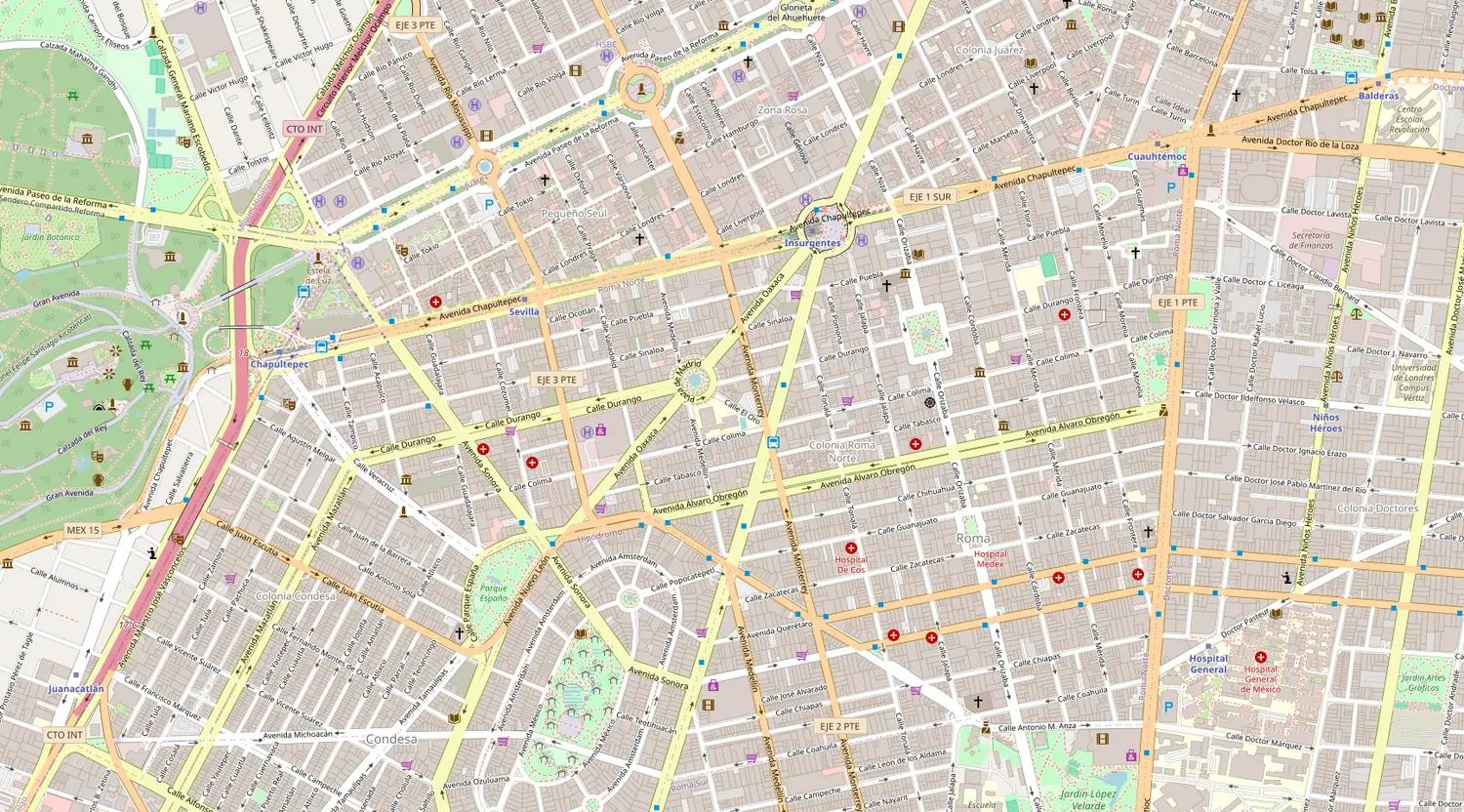
Scanning
The tool's map with businesses marked by opportunity
Draw areaScan this area
© OpenStreetMap

San Marcos Bakery

Bakery

83High
No websiteNo visible email
4.6128 reviewsNo website
  • Google Maps
  • Instagram
  • Facebook
  • OpenAI
  • Anthropic

Where the data comes from, and what analyses it

Product

Everything that happens before the first call

The businesses and data in this section are examples.

San Marcos Bakery

Bakery

83High
No websiteIncomplete Google profile
4.6128 reviewsNo website

Mirador Opticians

Optician

54Medium
Outdated websiteNo online booking
3.846 reviews

Digital signals

Every business gets tagged with what it's missing. That's the reason for your call.
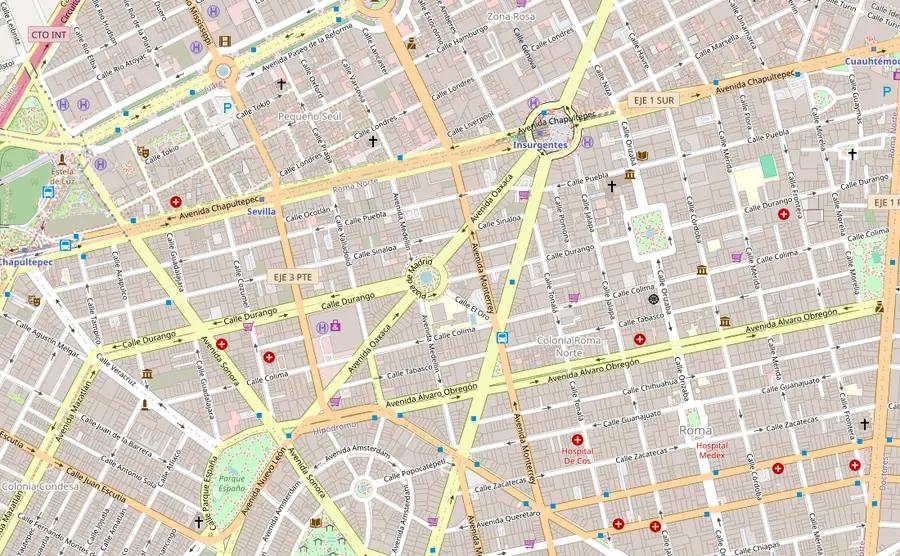
No websiteNo visible emailFew reviews
Map with businesses marked by opportunity© OpenStreetMap

Smart map

Pick a city and a radius, or draw the area on the map. Each scan brings back up to 25 businesses in that category with whatever their Google listing shows: phone, address, hours, reviews and rating.

Followers
1,284
Last post
47 days ago
Engagement
0.6%

Social intelligence

Its Instagram and Facebook: what it posts, how often, how many people answer, and whether it's running ads.

hola@opticamirador.com

facebook.com/opticamirador

Enrichment

We read the homepage of its website: email, socials and WhatsApp if they're listed, and whether it sells online, takes bookings or looks outdated.

NameScoreSignals
San Marcos Bakery83No website
Mirador Opticians54Outdated website

Export

The list comes out as a CSV for your CRM or spreadsheet, with its score, its signals and the sales recommendation: the automatic one or the AI pitch you saved.

From an area on the map to a list you can call

  1. Narrow

    Pick country, city, category and radius, or draw the area on the map. The scan runs in the background: if you close the tab, it's collected the next time you open the app.

  2. Detect

    Every business is matched against public signals and gets an opportunity score from 0 to 100. The ones worth calling rise to the top.

  3. Reach out

    Export the list with phone, email and its signals; the outreach itself is yours. Mark who's been contacted, and who never shows up again.

The filter that turns a list into a reason to call

A list of businesses is worth nothing on its own. What's worth something is knowing which one has exactly the problem you get paid to solve.

Detected during the scan

They come from its Google Maps listing and filter the results from the start.

  • No website
  • No visible email
  • Few reviews
  • Poor rating
  • Incomplete Google profile

Measured when you enrich or analyse socials

They need its website or social accounts read. After that you can filter your lead list by them.

  • Outdated website
  • No online store
  • No online booking
  • No visible WhatsApp
  • Low Instagram activity
  • Abandoned Facebook

The same thing you'd do by hand, without doing it by hand.

By hand

What building a list looks like today.

  • You search Google Maps one business at a time
  • You open every website to see if it's still alive
  • You copy phone numbers into a spreadsheet
  • You can't remember who you called last month
  • You start from scratch in every new area

With LeadScope

The same thing, in one scan.

  • You scan an area in one go, up to 25 businesses per scan
  • Every business arrives scored, with its Google Maps signals
  • You export phone, email and its signals
  • Each lead's status is saved for you
  • What you delete never comes back

Pricing

Start free, no card

Free

Available now

$0/mo

To run the whole flow once on a small area.

Includes:

  • 10 area scans per month
  • 60 enriched businesses
  • 10 social intelligence analyses of your leads
  • 10 Social Radar profiles
  • 10 AI reports
  • CSV export
Start free

Pro

Soon

$29/mo

For prospecting every single week.

Everything in the previous plan, plus:

  • 250 area scans per month
  • 2,000 enriched businesses
  • 300 social intelligence analyses of your leads
  • 300 Social Radar profiles
  • 50 competitor analyses
  • 300 AI reports
  • 5 scheduled campaigns, weekly or monthly
Start free

Max

Soon

$79/mo

For agencies prospecting every day.

Everything in the previous plan, plus:

  • Unlimited area scans
  • Unlimited enrichment
  • Unlimited social intelligence on your leads
  • Unlimited AI reports
  • 50 scheduled campaigns
Start free

Paid plans aren't open yet and can't be bought today. You can start right away with the free account.

Prices in US dollars, per user per month. Quotas reset on the 1st of every month and don't roll over. “Unlimited” means no monthly plan cap. Each scheduled campaign run that finds businesses uses one scan. AI reports and analyses are written in the language you use the app in.

Questions before you create an account

Where does the data come from?
From each business's public listing on Google Maps and from its own website, where the scan already looks for email and socials and enrichment reads the homepage. If you analyse its socials, also from its Instagram, its Facebook and its Meta ads. Nothing you couldn't see by looking it up yourself.
Does it work if I don't sell websites or marketing?
Yes. You describe what you sell and to whom (for example, a lab that sells to beauty salons, or an automation service for small businesses) and the app suggests which types of business to look for on Google Maps. Results are sorted by fit with what you sell, with the reason behind each point, alongside the digital opportunity score. You can edit the suggestions before searching.
Is this legal?
It collects information the business itself published so people would contact it. Even so, whoever uses the list is responsible for their own country's rules on commercial contact.
Which countries does it work in?
Any country Google Maps covers. Accuracy depends on how many local businesses have a listing, and in big cities it tends to be high.
Do I need a card to start?
No. The Free plan turns on when you create the account, with enough quota to scan a few areas and decide whether the results are any use.
What if a scan returns nothing useful?
If nothing matches the filters you asked for, you still get the unfiltered results and a note saying the filter was relaxed. And if the scan finds no businesses at all, it doesn't use up quota.
Can I delete leads I don't want?
Yes, from your lead list, from the map panel or from each business's page. A deleted lead never comes back, even if you scan the same area again. In the Social Radar, what you delete is a profile's analysis, not a lead.

Your next set of clients is already on the map

Create the account, scan your own city, and see which businesses around you still don't have a website.

© 2026 LeadScope AI. All rights reserved.

Español